Pair your Hub Air
5 min readUpdated Jul 2026
Before you begin, make sure your phone is on the 2.4 GHz Wi-Fi network you want the hub to use.
What you'll need
- Your Near Hub Air, powered on
- A 2.4 GHz Wi-Fi network and its password
- The SmartLife app installed.
Step 1 - Getting the Hub ready
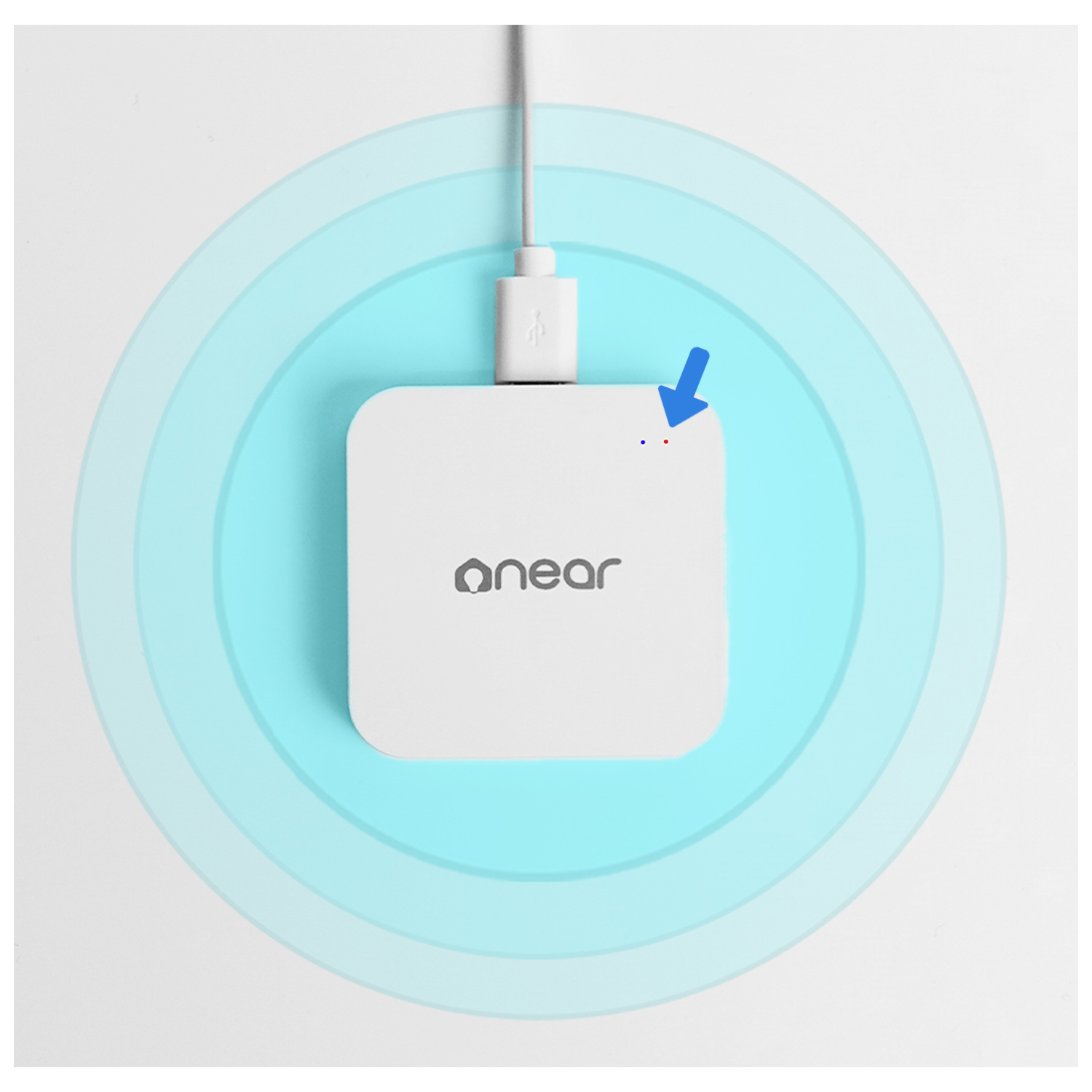
Step 2 - Adding the Hub Air to the SmartLife App
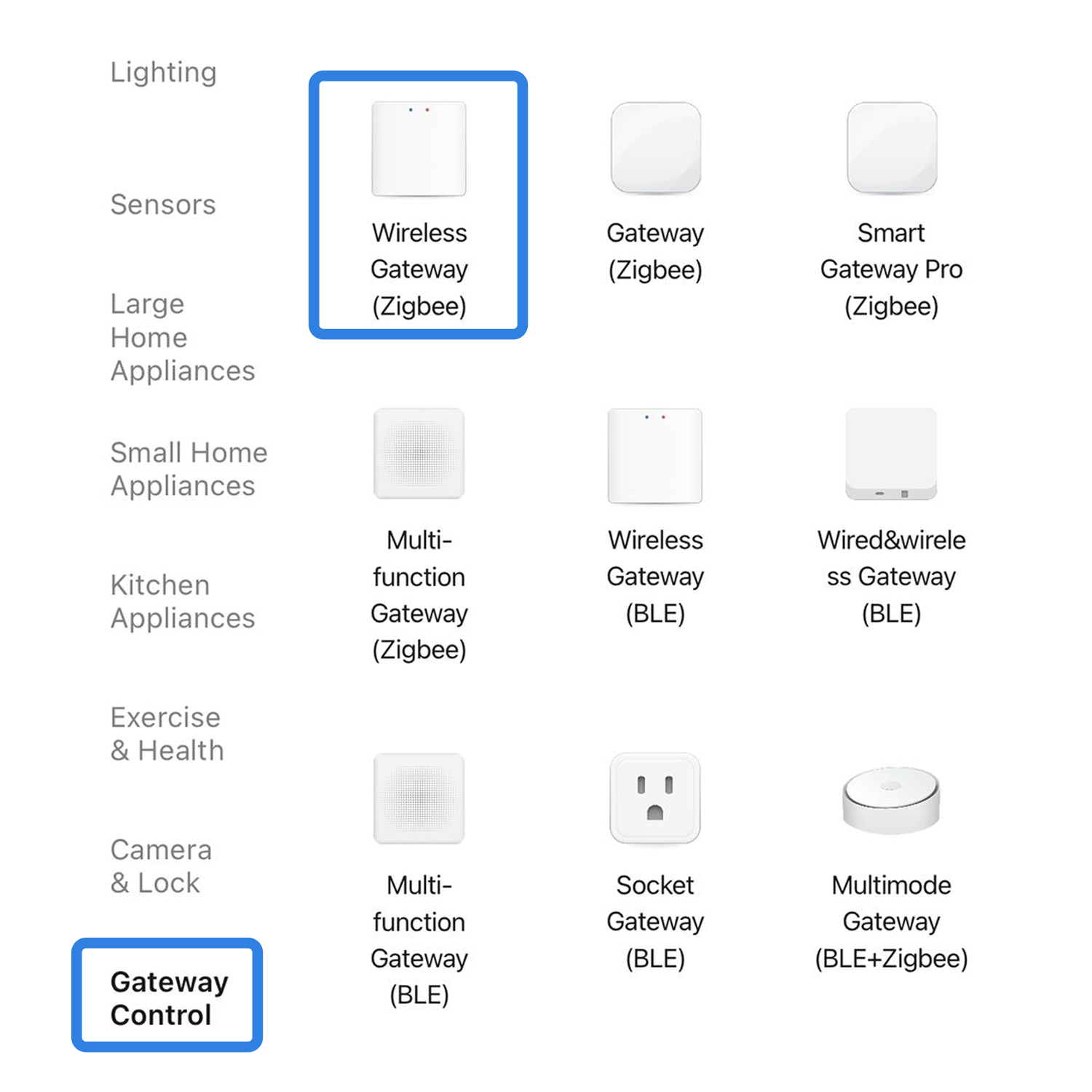
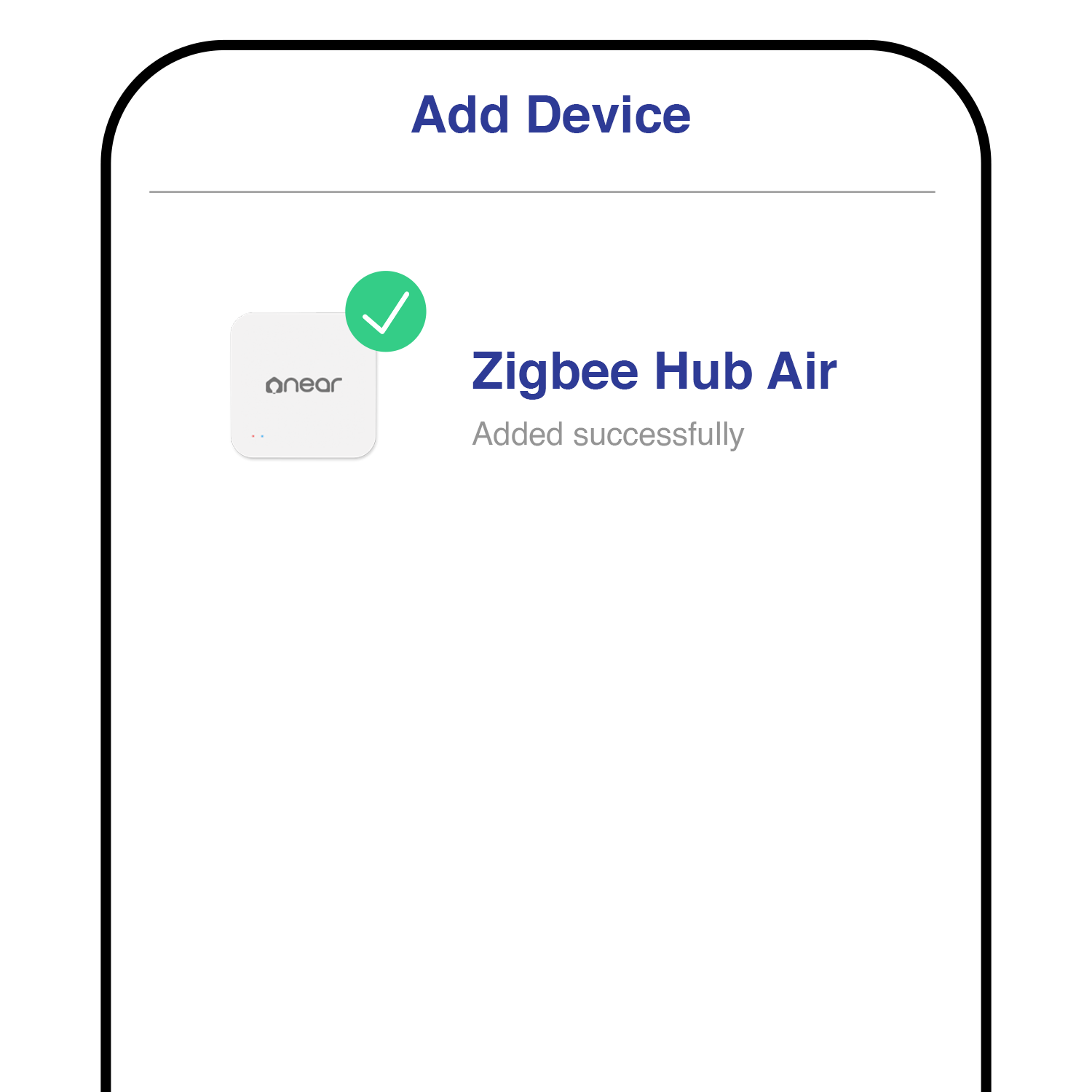
Step 3 - Follow the on-screen instruction & you're all set!
Did this help?
If you're still stuck, message us on WhatsApp and we'll walk you through it.