Pair your Flow Track

3 min readUpdated Jul 2026

Step 1 - Connect your Zigbee Hub.

Your Zigbee Hub must be paired with the Smart Life app before you can add a Flow Module. If this is your first time setting up your hub, visit the Getting Started guide before continuing.

Step 2 - Add your Flow Module
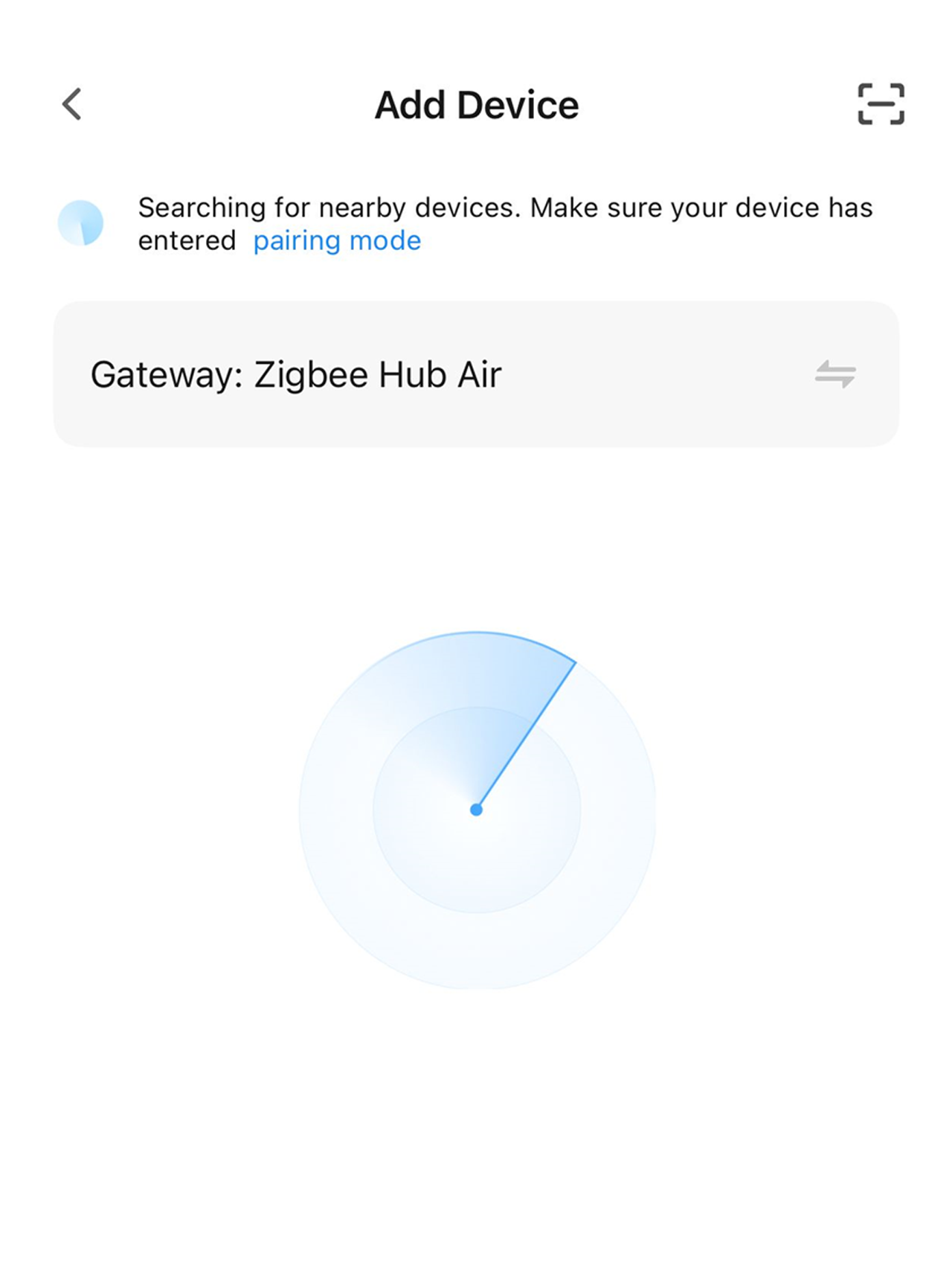
Flow Track 1
Tap the "+" button on the Smart Life home screen, then select Add Device. Your Zigbee Hub will automatically begin searching for nearby Flow Modules.

Step 3 - Follow the On-Screen Instructions.
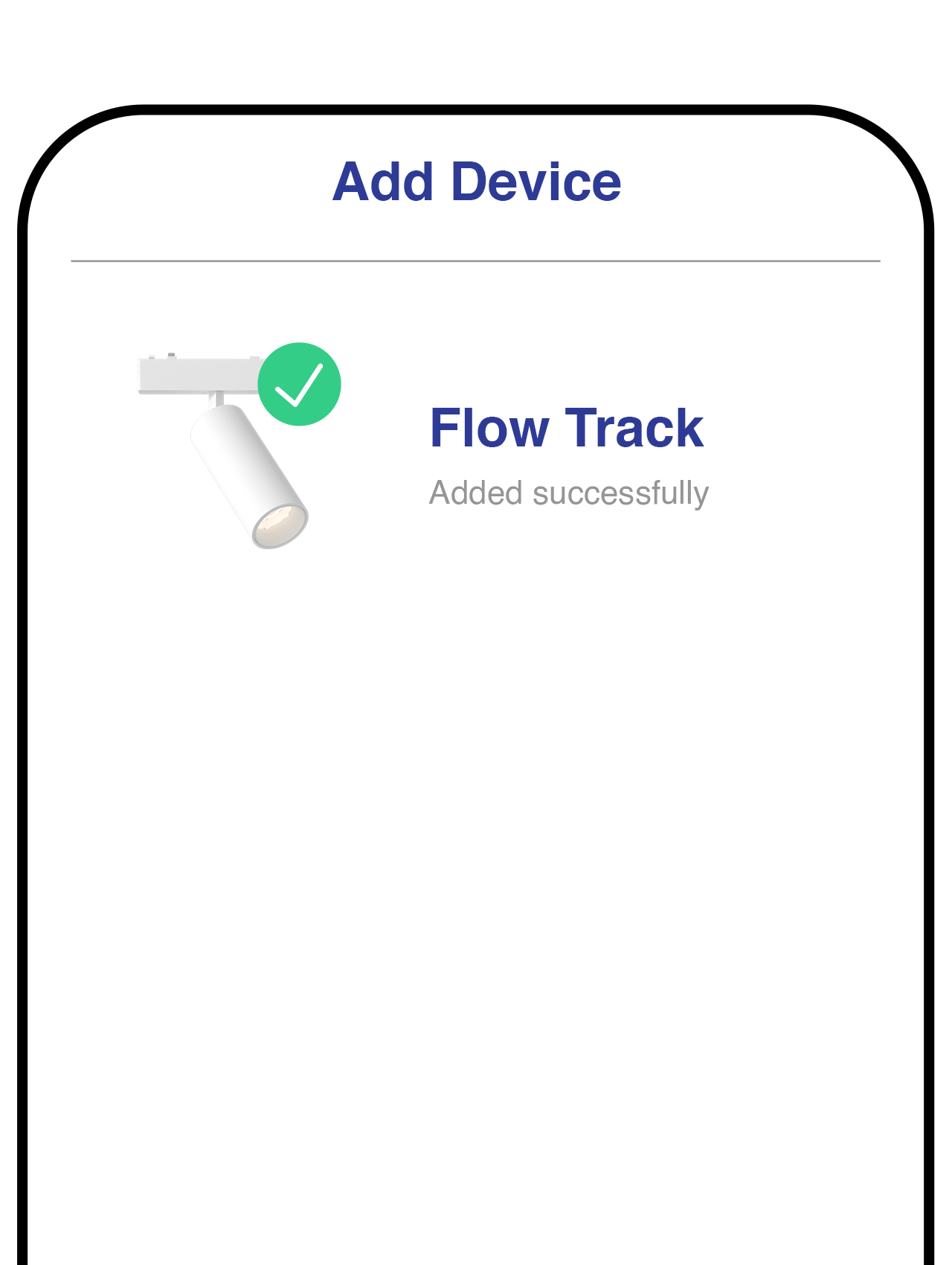
Flow Track 2
Simply follow the prompts shown in the Smart Life app to complete the setup. Once finished, your Flow Module is ready to use.

Step 4 - Enter Pairing Mode (If Required)
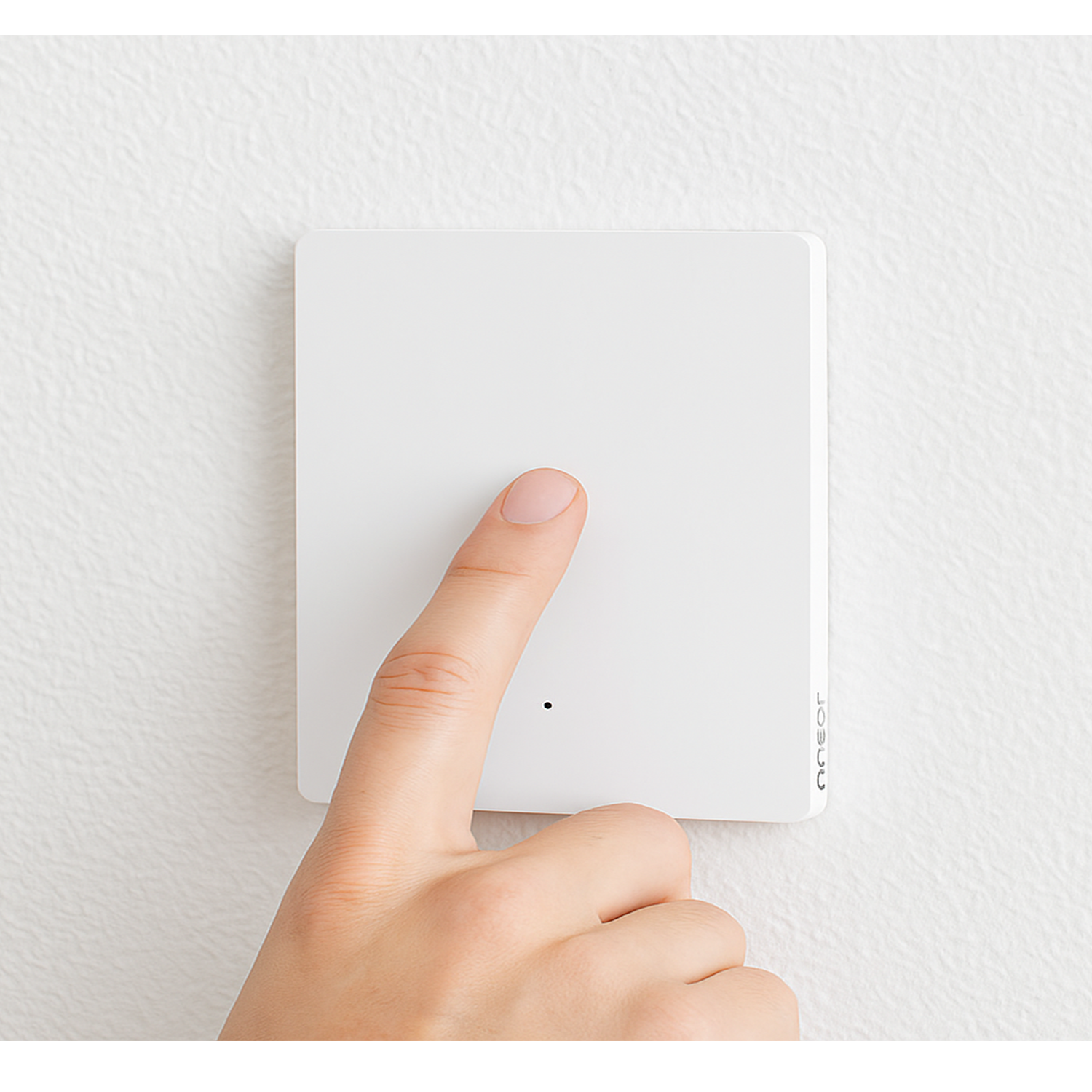
Flow Track 3
If your Flow Module isn't detected automatically, turn the connected wall switch ON and OFF 5–7 times until the indicator begins blinking. Once it's in pairing mode, repeat Step 2 to add the device.
Did this help?

If you're still stuck, message us on WhatsApp and we'll walk you through it.

Chat on WhatsApp
Related in Lighting Devices