Pair your MTS Track

3 min readUpdated Jul 2026

Step 1 - Connect your Zigbee Hub.

Your Zigbee Hub must be paired with the Smart Life app before you can add a MTS Module. If this is your first time setting up your hub, visit the Getting Started guide before continuing.

Step 2 - Add your MTS Module.
Flow Track 1
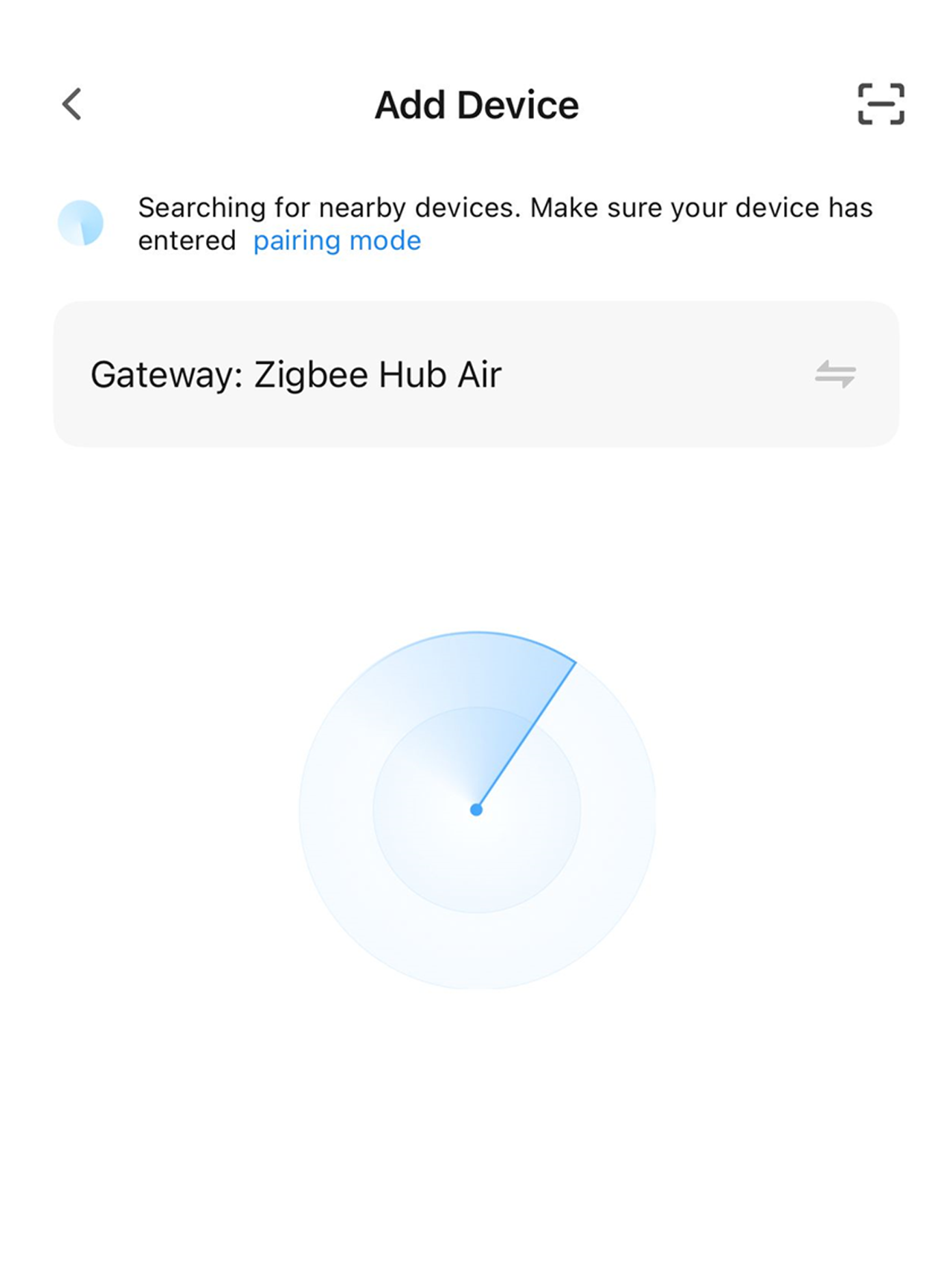
Tap the "+" button on the Smart Life home screen, then select Add Device. Your Zigbee Hub will automatically begin searching for nearby MTS Modules.

Step 3 - Follow the On-Screen Instructions.
MTS 5
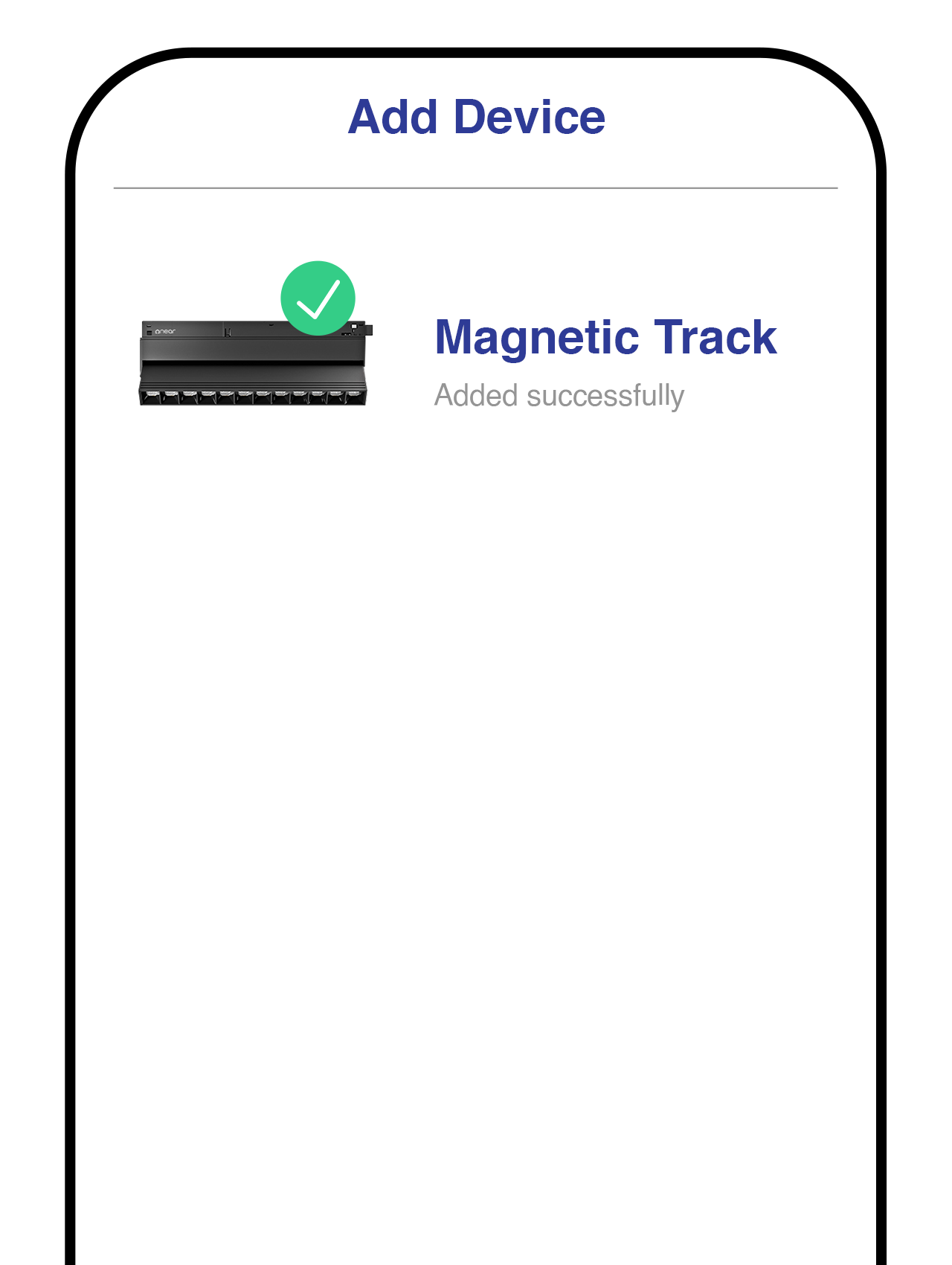
Simply follow the prompts shown in the Smart Life app to complete the setup. Once finished, your MTS Module is ready to use.

Step 4 - Enter Pairing Mode (If Required)
Flow Track 3
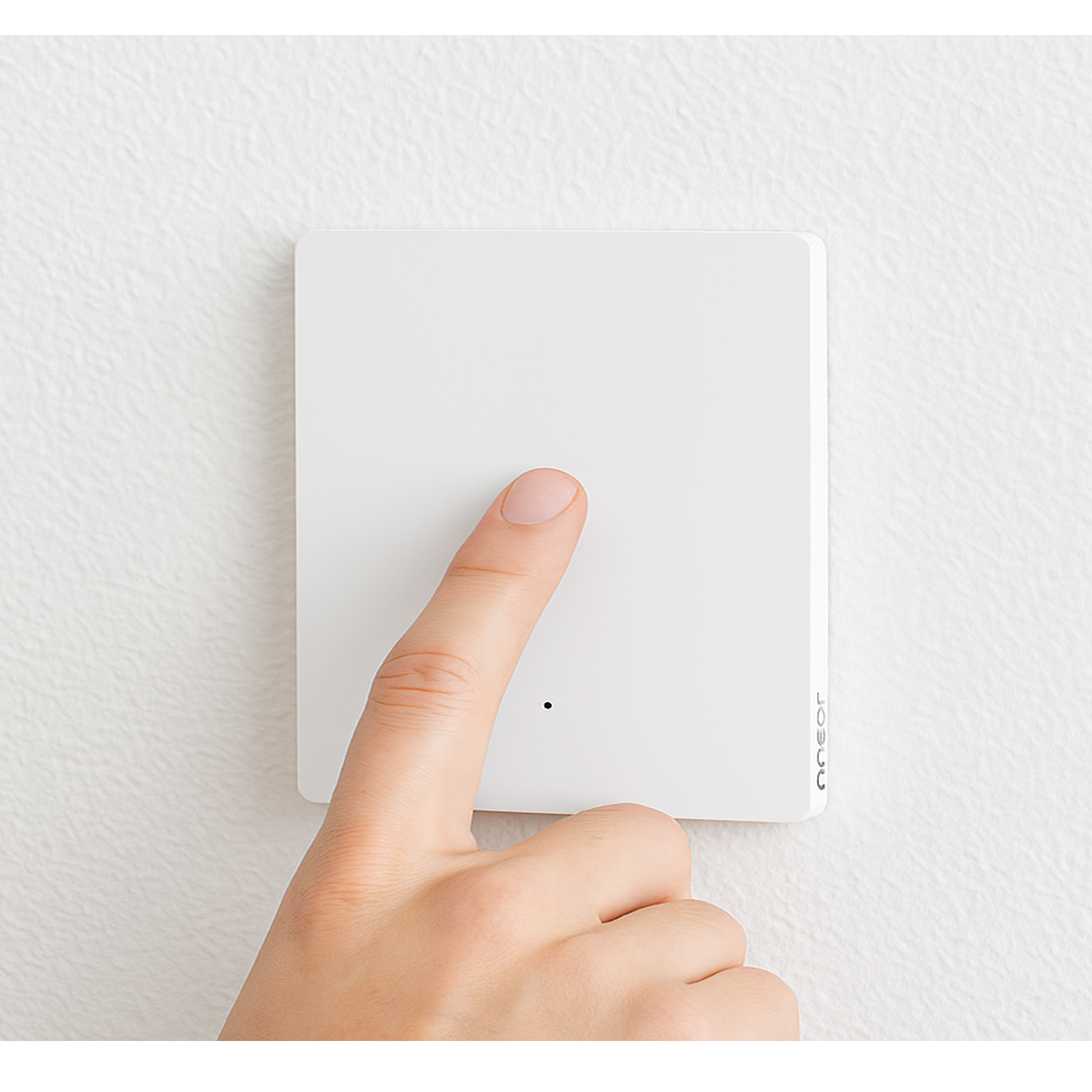
If your MTS Module isn't detected automatically, turn the connected wall switch ON and OFF 8 times until the indicator begins blinking. Once it's in pairing mode, repeat Step 2 to add the device.

Step 5 - Check the Lock Switch.

MTS 6
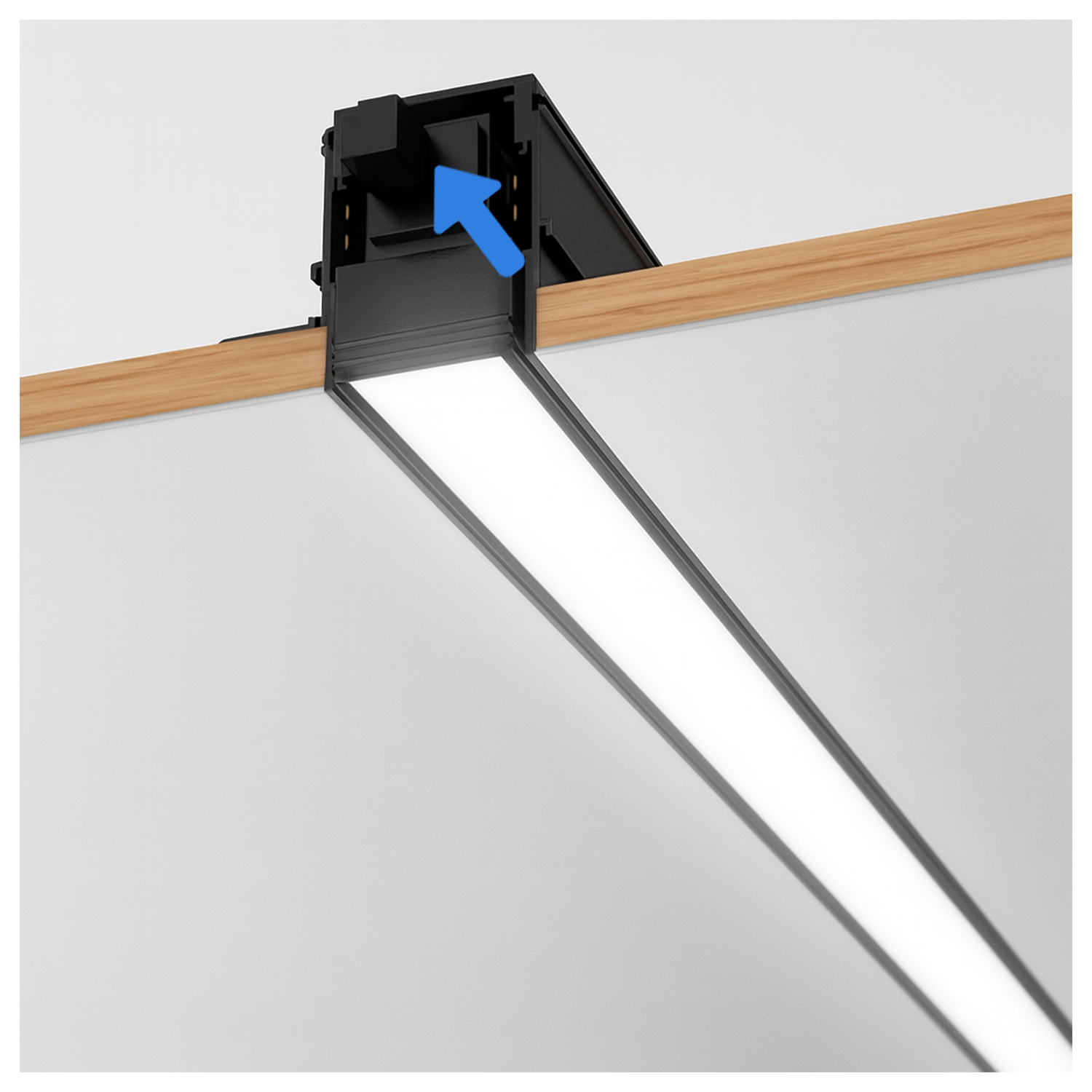
If your magnetic track light doesn't turn on, ensure the lock switch is in the ON position.

Did this help?

If you're still stuck, message us on WhatsApp and we'll walk you through it.

Chat on WhatsApp
Related in Lighting Devices